How to track your mood
To track your mood, pick a scale you can repeat, record it at the same time each day, add a short note when something stands out, and look back after a few weeks. That is the whole method. The rest is making it easy enough to keep up.
Updated 21 October 2026. Sources named on the page.
- A four step method that takes under a minute
- What to write down and what to skip
- How to read the pattern after a few weeks
- Paper, app or both
Keep your results in the Daily Journal
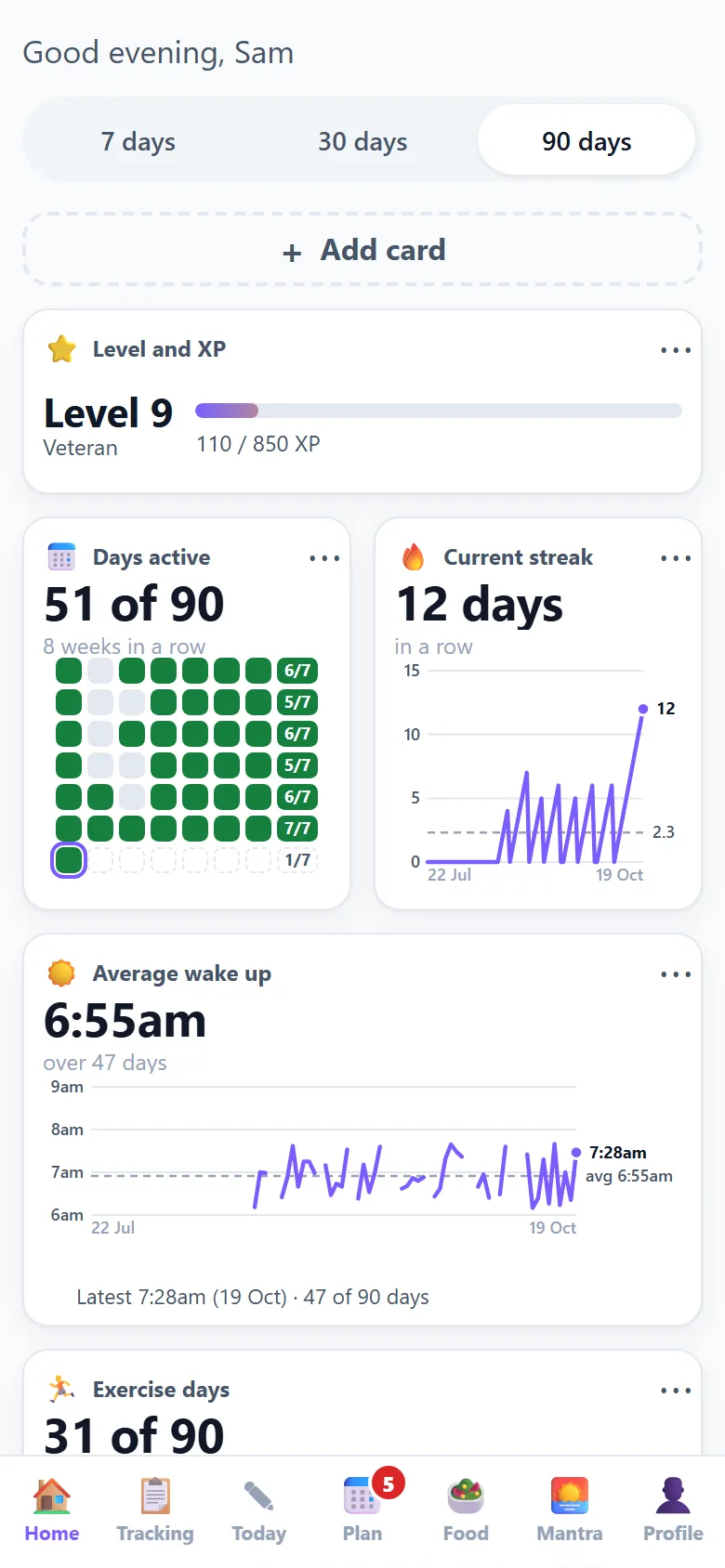
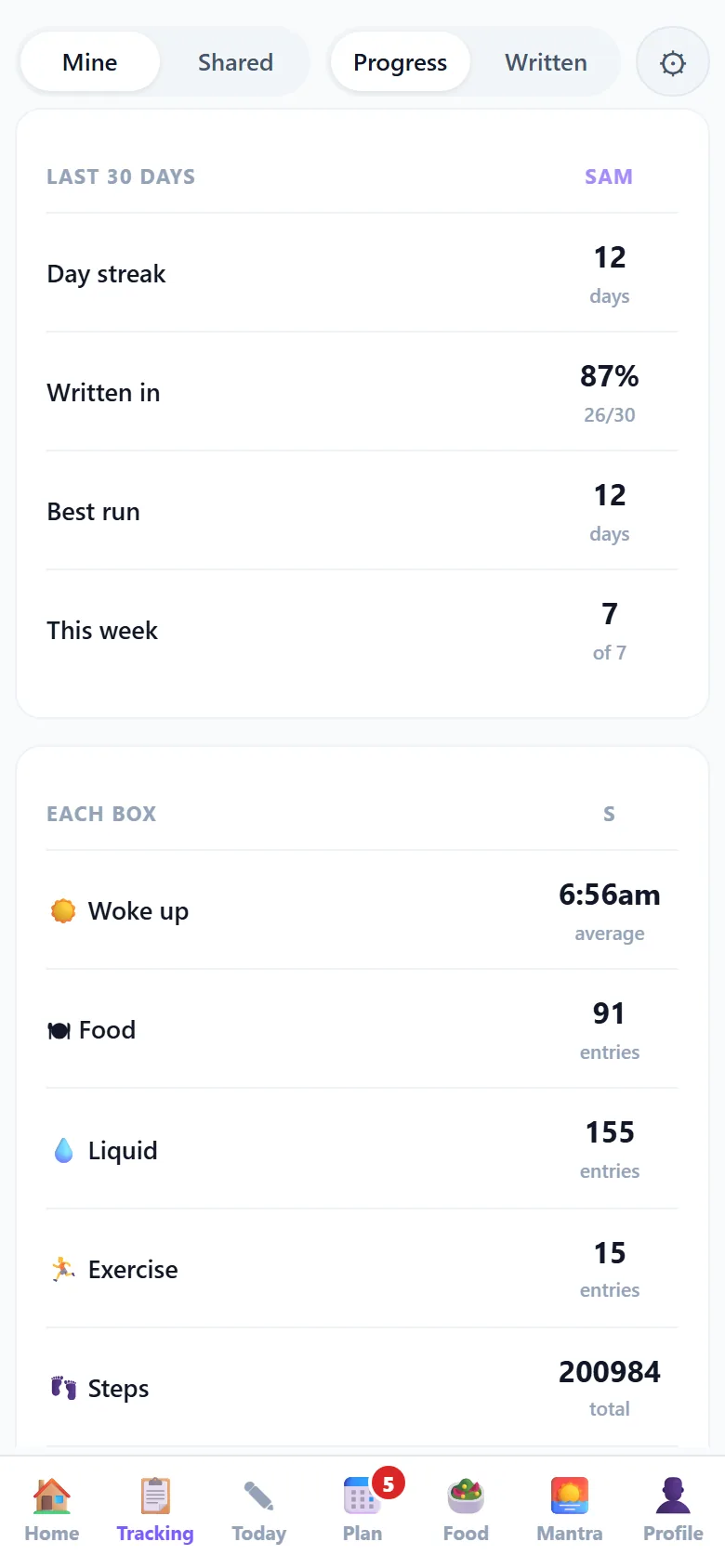
Habits, food, mood and sleep in one private place, with progress charts and a daily research card. Free to start.
- Every claim names its study
- Alone, as a couple or with a group
- Private by default
Step one: pick a scale
Choose something you can repeat the same way every day. A number from 1 to 5 works well: 1 for a low day, 5 for a great one. Colours or faces work too. Decide it once and do not change the meaning later, or the days stop being comparable.
Step two: pick a time
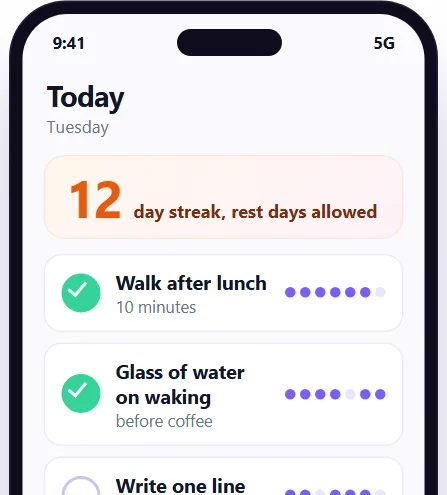
The best time is one that already exists in your day: before bed, with a morning drink, or after you brush your teeth. Tying the mark to something you already do is the main reason a tracker survives past the first week.
Step three: add a short note when it matters
On most days the mark is enough. When a day was unusually good or hard, add three or four words: slept badly, argument, long walk, busy at work. These notes are what make the pattern readable later.
Step four: look back after a few weeks
Wait at least three or four weeks, then read the whole page. Look for the days that repeat: a low day after a short night, a better day after time outside, a hard Monday every week. You are looking for patterns, not scoring yourself.
What to track next to mood
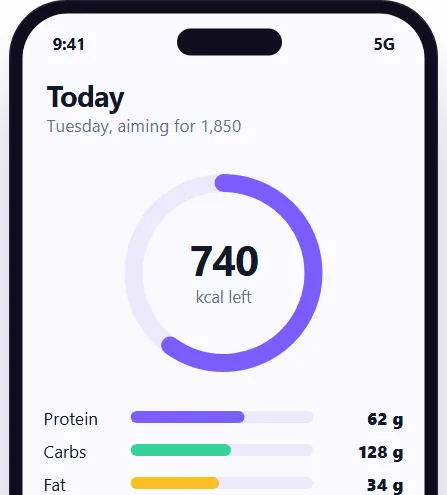
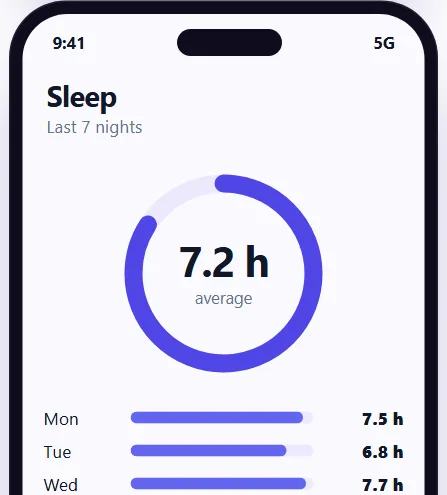
If you want to understand the pattern, track one or two other things on the same page: hours of sleep, whether you were active, or how much water you drank. More than three or four things gets heavy and tends to stop.
When to ask for help
A mood tracker is a tool for noticing, not a way to diagnose. If your mood stays low, or you feel unsafe, please speak to a doctor or a support service. A printed page of your own notes can help that conversation.
Questions
How do I start tracking my mood?
Pick a 1 to 5 scale, pick a time you can repeat, and make one mark a day. Add a few words on days that stand out.
How long should I track my mood before looking for patterns?
Three or four weeks gives enough days to see anything repeating. A week is usually too few.
What should I write in a mood journal?
The mark for the day, a few words on what shaped it, and anything you want to remember to tell a doctor. Short is fine.
Should I track my mood on paper or in an app?
Whichever you will keep doing. Paper is good for a visible grid, and an app adds reminders and puts mood next to habits and sleep.
Keep going
Tools that go with this page
Each one shows an example screen, what the paid apps charge and what the Daily Journal does today.
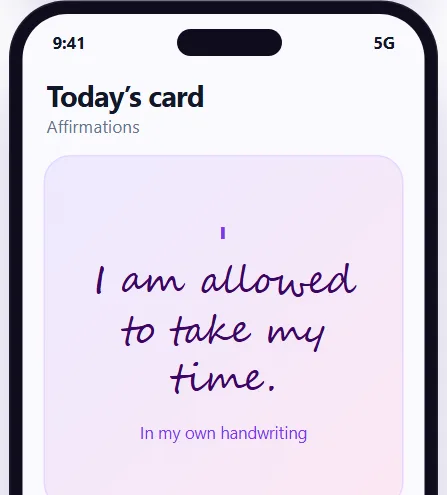 Affirmation app
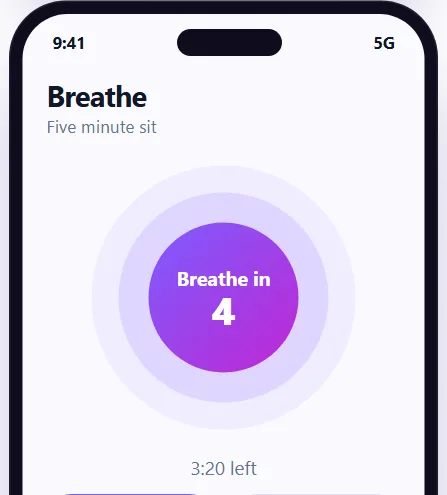 Meditation app
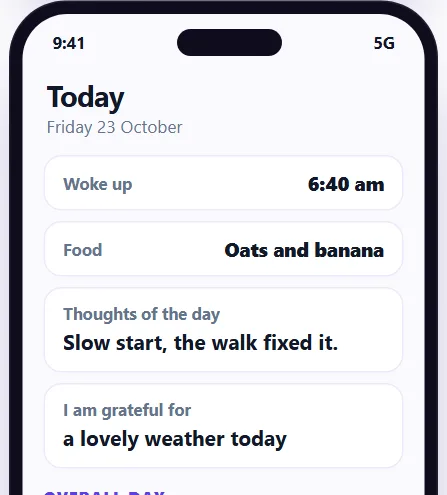 Journal app
Start a private journal: how to track your mood
Sign up free for the Daily Journal: a short entry a day, reminders, and habits, food, mood and sleep in one private place.