Free journal tools
These are the tools people search for and pay for in other apps. Each page shows what the tool could look like, what the paid ones charge, and what the Daily Journal does today. Sign up free and tell us which one to build first.
Updated 21 October 2026. Sources named on the page.
- Ten tools, each with a worked example
- Prices of paid apps, read 20 October 2026
- Honest about what is built and what is not
- Sign up free and your vote counts
2 of 5 in the basket
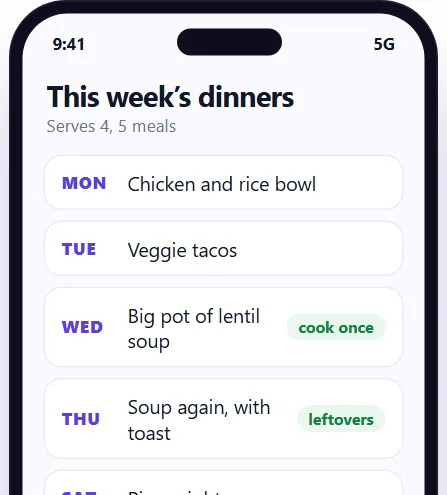 Meal planner
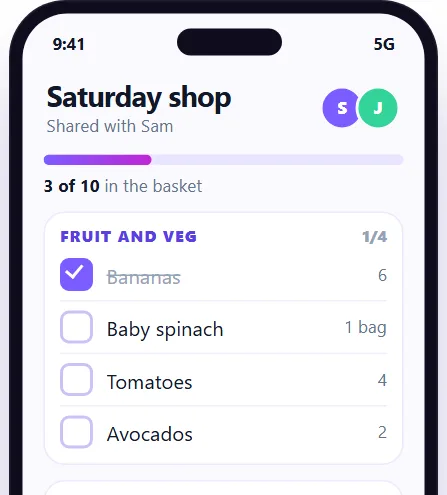 Grocery list app
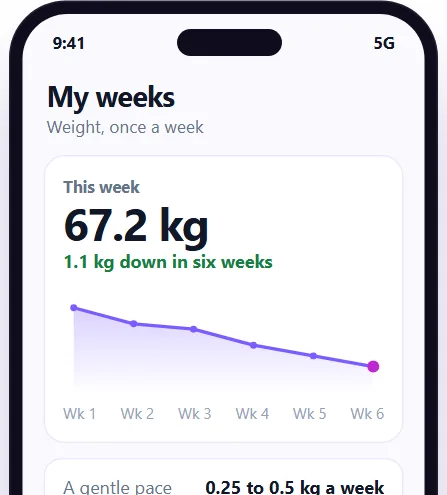 Weight loss journal
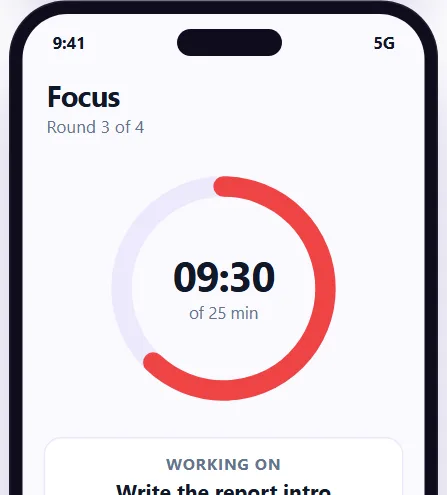 Pomodoro timer
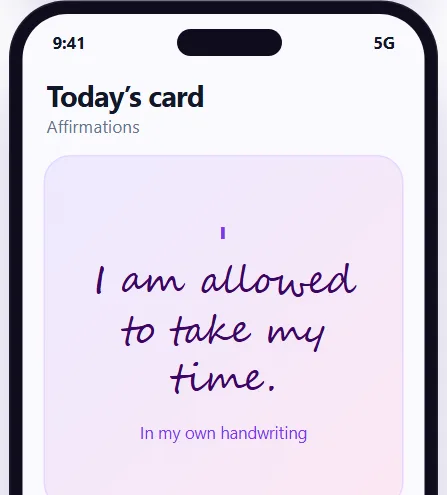 Affirmation app
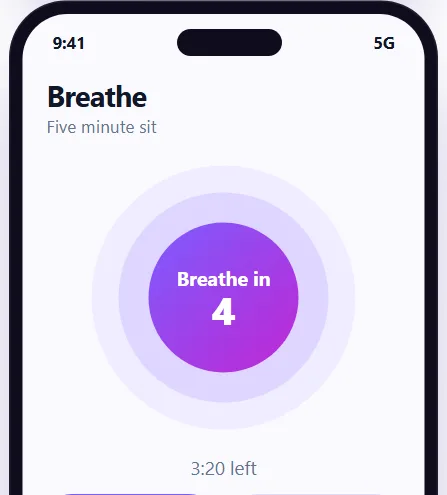 Meditation app
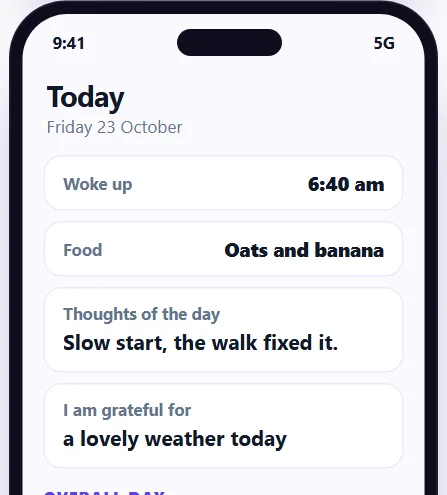 Journal app
Keep your results in the Daily Journal
Habits, food, mood and sleep in one private place, with progress charts and a daily research card. Free to start, and your account opens straight away.
- Every claim names its study
- Alone, as a couple or with a group
- Private by default
What these ten pages are
Each page on this hub is about one tool that people search for and pay for in other apps: a calorie counter, a meal planner, a grocery list, a weight loss journal, a habit tracker, a Pomodoro timer, a sleep tracker, an affirmation app, a meditation app and a journal app. They are written for someone deciding whether they need that kind of app at all, and what a fair price looks like if they do.
Every page does three things. It shows the tool as an example on a phone, so you can see what it could be. It sets out what the paid apps charge, with the day each price was read, which for these pages is 20 October 2026 in the Australian App Store and on the apps' own pages. And it has a plain table of what the Daily Journal does today for that job, marked yes, partly or not yet. Nothing on these pages is a promise of a date.
Which tools exist today, and which do not
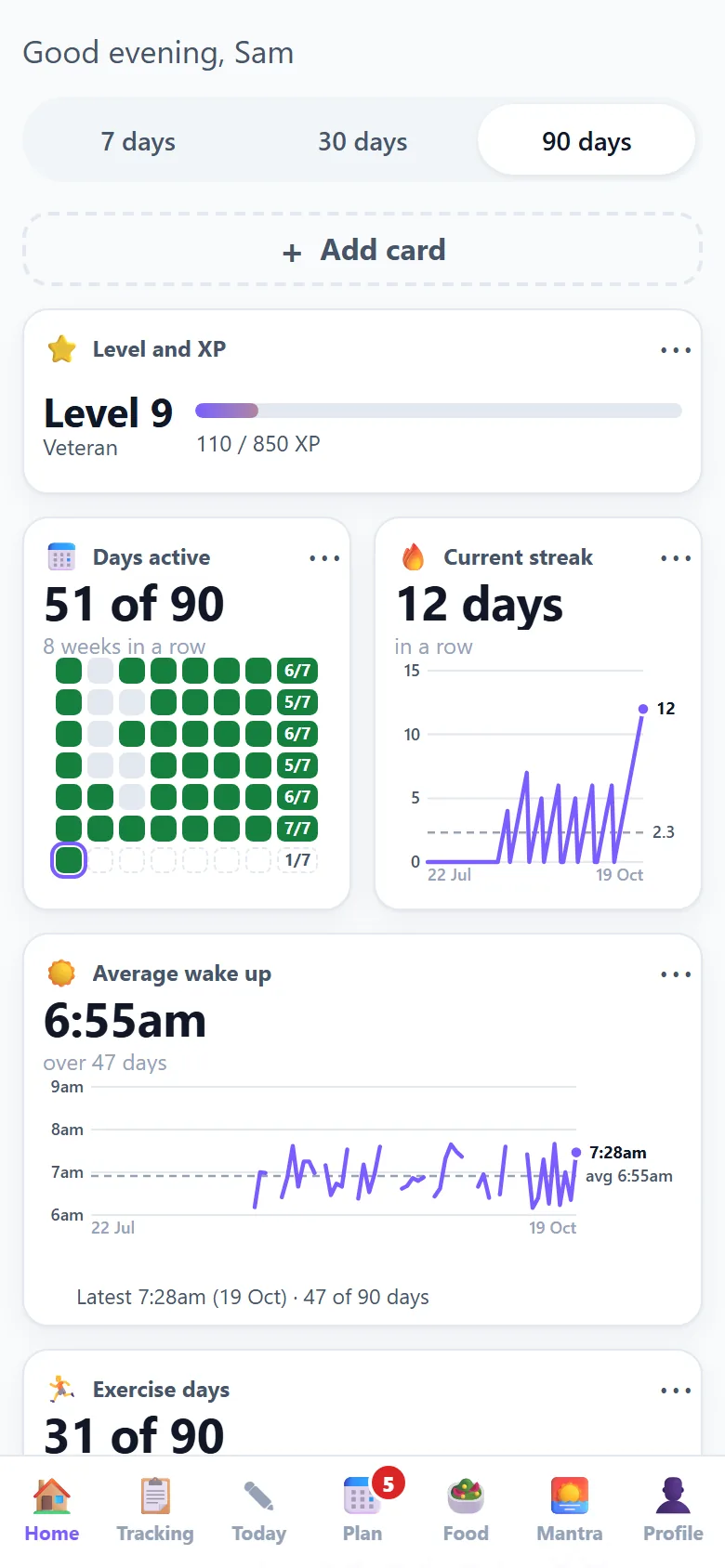
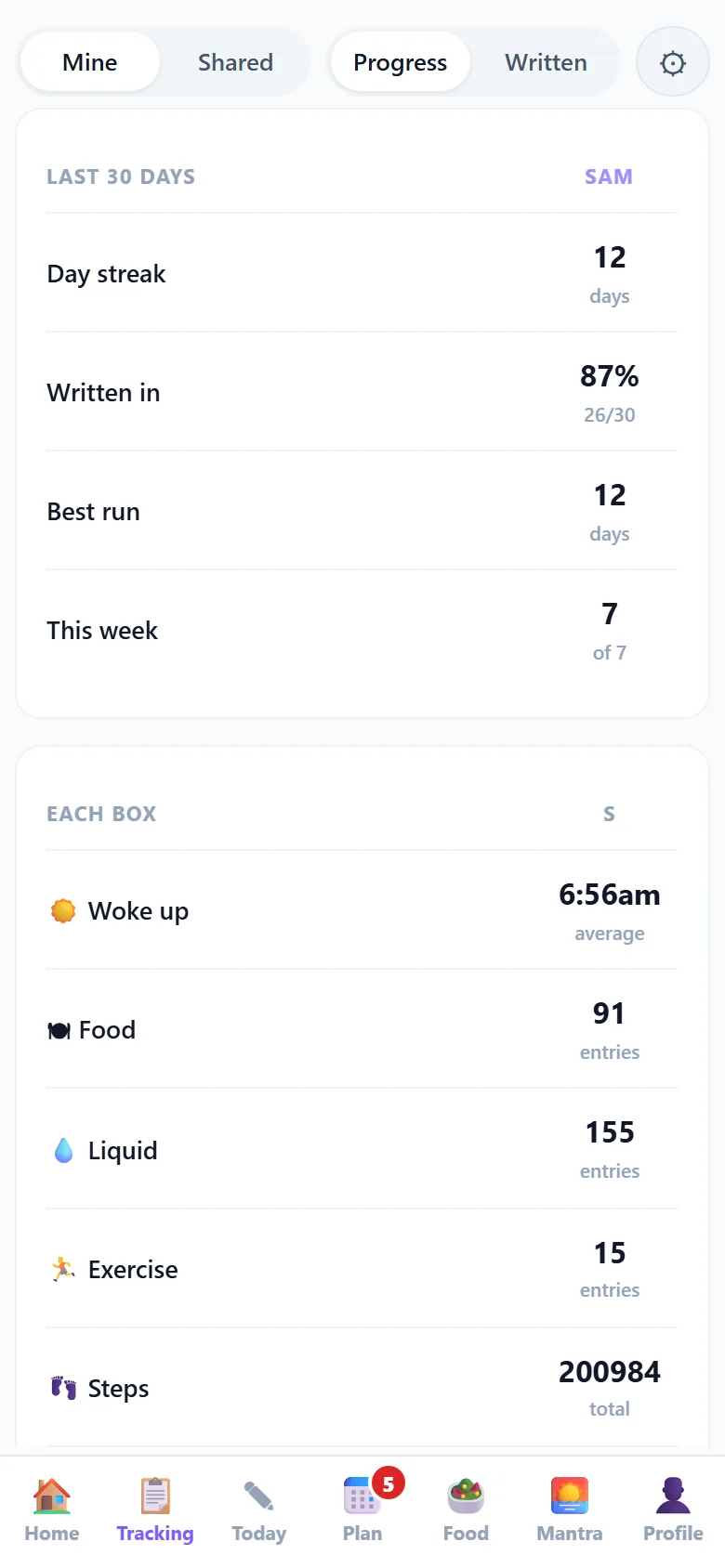
The Daily Journal is a free journal and habit tracker with a Today screen of daily boxes, a Home screen of progress charts, a Tracking table, a Plan screen for tasks and reminders, a Food page and a Mantra page. The ten tools are not all separate apps. Some already exist inside it, some half exist, and some are only an idea. This is the honest list, taken from the status table on each page.
- Journal app: built. Eight daily boxes on Today, streak and days active, your days side by side, sharing with a person or a group, tasks, reminders and Mantra. Photos in entries and AI summaries are not built.
- Affirmation app: built as Mantra. A swipe feed of cards, categories you can switch on and off, quotes, books and talks with their sources, and saved favourites. Writing your own affirmations and audio are not built.
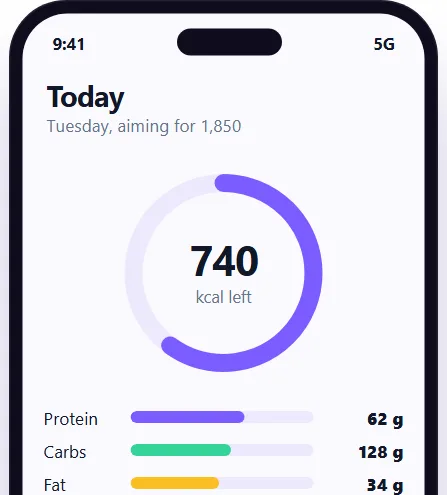
- Calorie counter app: partly built. You can type foods and amounts and see calories and the main nutrients, with quick add for common foods. A daily calorie target is partly there. A barcode scanner, branded and restaurant foods and recipes are not built.
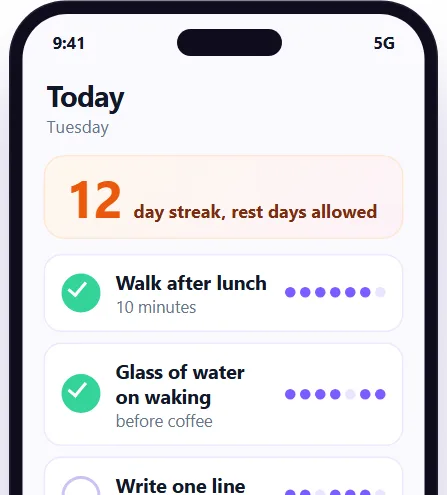
- Habit tracker app: partly built. A daily check in, streak and weeks in a row, levels and badges, reminders and sharing work today. A separate list of habits each with its own streak is partly there. Rest days that bridge a streak, widgets and a watch app are not built.
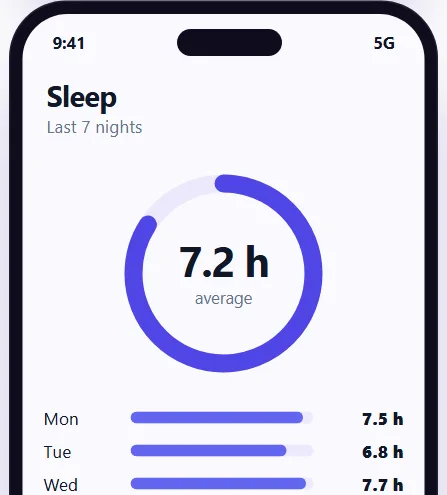
- Sleep tracker: partly built. Wake time and bedtime boxes, an average wake time chart, and sleep shown beside mood, food and exercise. Hours slept as a total, sleep debt and sensors are not built.
- Weight loss journal: partly built. A daily food, exercise and liquid log with calories and nutrients, thoughts and gratitude, and your days side by side. A weight box and chart is partly there. A daily calorie target inside the app and any coaching are not built.
- Meal planner: not built as a planner. Logging what you ate with nutrients, tasks and reminders on a calendar and a printable meal planner exist. Building a week of meals, a shopping list from the plan and recipes are not built.
- Grocery list app: not built. A repeating weekly shop task with a reminder and a printable meal planner exist. A list with ticks, a list shared between two phones and aisle grouping are not built.
- Pomodoro timer: not built. Tasks, reminders and a line about what you got done exist. A 25 minute timer and finished blocks logged to Today are not built.
- Meditation app: not built. A place to write what you noticed, kind words and a streak of days you showed up exist. A timer with a bell, a breathing guide and guided audio are not built.
How signing up counts as a vote
The sign up card on each tool page records which page you came from and which tool it was, along with your email address and what you said you want to track. That is all it adds. We count the sign ups for each tool page, and the tool with the most is the one we build next. The ones already built or partly built are the cheapest to finish, so they will tend to come first.
Early numbers will be small, and a small number is a weak signal, so we will say how many people it was when we report it. A vote is not a purchase, and signing up is free. You only need an email address you can read, because we email a six digit code to prove it is yours before the account opens.
How to choose between the tools
Most people need one or two of these, not ten. A few honest rules of thumb:
- If you want to see what you eat, start with the calorie counter page. If you want the week decided in advance, read the meal planner page, then the grocery list page for the shopping that follows.
- If you keep losing your streak, read the habit tracker page. If you cannot start work, the Pomodoro page is about short focused blocks.
- If you wake tired, the sleep tracker page shows what a sleep log needs, and the sleep calculator on the calculators hub works out bedtimes in whole 90 minute cycles.
- If you want calm rather than numbers, read the affirmation, meditation and journal pages. Those three cost the least elsewhere and ask the least of you.
- If you would rather use paper, every tool here has a free printable twin on the printables hub.
What the paid apps charge
These are the price ranges we read on 20 and 21 October 2026. They are the apps' own listed prices in Australian dollars, not a recommendation, and they change.
- Calorie counters: from A$7.99 to A$129.99 depending on the app and the plan length.
- Grocery list apps: in-app purchases from A$1.49 to A$39.99.
- Habit trackers: one reads as free for 3 habits and A$79.99 a year for premium.
- Journal apps: one listed a free tier and a paid tier at $49.99 a year.
- Meal planners: Eat This Much starts at A$13.99; paper planners had a median of A$14.99 on Amazon AU.
- Weight loss journals on paper: a median of A$17.38 on Amazon AU and A$29.99 on eBay AU.
- Meditation apps: Smiling Mind and Medito listed no in-app purchases, while Calm's tiers ran from A$19.99 to A$99.99.
- Sleep trackers: Sleep Cycle ran from A$4.49 to A$68.99.
- Affirmation apps: ThinkUp ran from A$12.49 to A$149.99.
- Timer apps: from A$1.49 to A$299.99.
Go deeper
Each tool page has its own price table, a worked example, an honest status table and a set of questions. Start with the food pages if you track what you eat, the habit and sleep pages if you want routine, and the mind pages if you want something quieter.
The tools sit next to free things that already work. The calculators hub holds ten calculators for energy, protein, macros, water, sleep and streaks, and the printables hub holds twelve printable sheets. The guides hub explains the maths behind every number. None of them needs an account, and nothing you type into a calculator is saved or sent.
Questions
What are the Daily Journal tools?
They are ten tool pages for things people pay for in other apps: calorie counting, meal planning, grocery lists, weight journals, habits, focus timers, sleep, affirmations, meditation and journalling, each with an example and honest status.
Are the tools free?
The Daily Journal is free to start, with no card needed. The tool pages are free to read, and the calculators and printables need no account at all. The pages also show what paid apps charge, so you can compare.
Which tools work today?
The journal and the affirmation cards (Mantra) work today. The calorie counter, habit tracker, sleep tracker and weight journal work partly. The meal planner, grocery list, Pomodoro timer and meditation timer are not built yet.
Why show examples of tools that are not built?
An example shows what a tool could look like so you can tell us if you would use it. Each one is labelled as an example, and the status table on the page says plainly what is and is not built.
How do I vote for the tool I want?
Sign up free from that tool's page. The sign up records which page you came from, and we count sign ups for each page. The tool with the most sign ups is the one we build next.
How much do paid apps for these jobs cost?
In October 2026 calorie counters ran from A$7.99 to A$129.99, grocery list apps from A$1.49 to A$39.99, sleep trackers from A$4.49 to A$68.99, and timer apps from A$1.49 to A$299.99. Each tool page shows its own table.
Is what I write kept private?
Yes. Your journal is private by default, you choose who to share with and you can stop at any time. We do not sell entries or use them for advertising. Read the privacy page for the full detail.
Can I use paper instead of an app?
Yes. The printables hub has twelve free one page sheets in A4 and US Letter, including a habit tracker, food diary, meal planner, sleep diary and gratitude journal, each matching one of these tools.
Is any of this medical advice?
No. The tools and calculators are general information for healthy adults aged 19 and over. They do not replace a doctor, a psychologist or an accredited practising dietitian. Read the health disclaimer before relying on a number.
How old do I need to be to sign up?
You must be 16 or over to make an account. The health calculators and tools are written for adults aged 19 and over. Under those ages, please talk to a doctor or a parent about food and weight.
Keep going
Tools that go with this page
Each one shows an example screen, what the paid apps charge and what the Daily Journal does today.
Tell us which tool to build first
Sign up free for the Daily Journal app: habits, food, mood and sleep in one private place. Your account opens straight away.