What to look for in a journal app
Look for a journal app that is private by default, quick to open, able to remind you, searchable, and lets you take your entries out. Cost and extras come after those five.
Updated 21 October 2026. Sources named on the page.
- Six things to check, in order
- Questions to ask before you commit
- What the Daily Journal does on each
- Free to start
Keep your results in the Daily Journal
Habits, food, mood and sleep in one private place, with progress charts and a daily research card. Free to start.
- Every claim names its study
- Alone, as a couple or with a group
- Private by default
Privacy first
A journal holds honest things. Check who can read your entries, whether anything is shared by default, and whether you can delete everything. If the answers are unclear, choose another app.
Speed
If it takes more than a few seconds to open a new entry you will stop using it. Try the app for a day and notice how many taps it takes to start writing.
Reminders that fit you
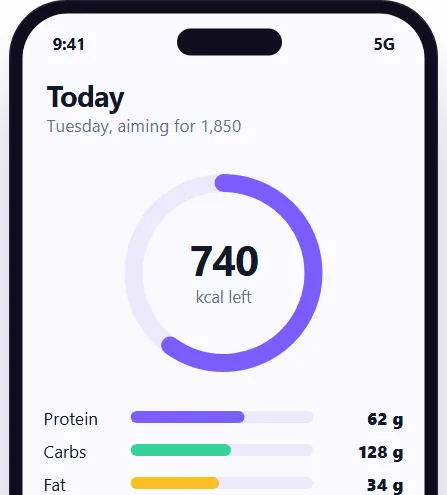
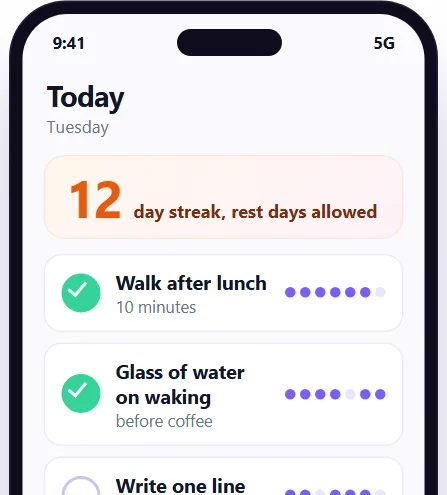
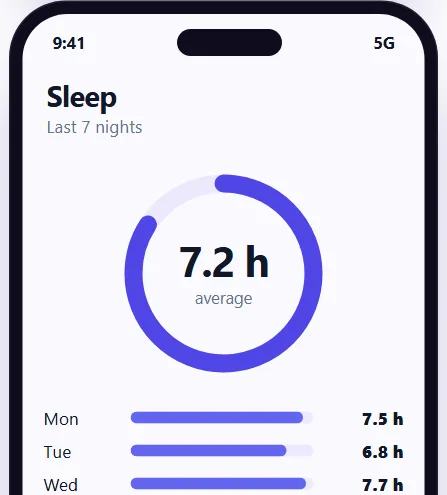
A reminder at a time you choose helps most in the first weeks. Look for one you can set and change without digging through menus.
Search and review
The value of a journal builds over months. Check that you can search old entries and look back by date, so what you wrote does not disappear down a long list.
Taking your entries with you
Look for an export, so your writing is not stuck in one app. Ask what happens to your entries if you stop paying or the company closes.
Cost and extras
Many apps are free to start. Read what is free, what is paid and what happens at the end of a trial. Extras such as mood, sleep, habits and food are useful only if you will use them.
How the Daily Journal answers
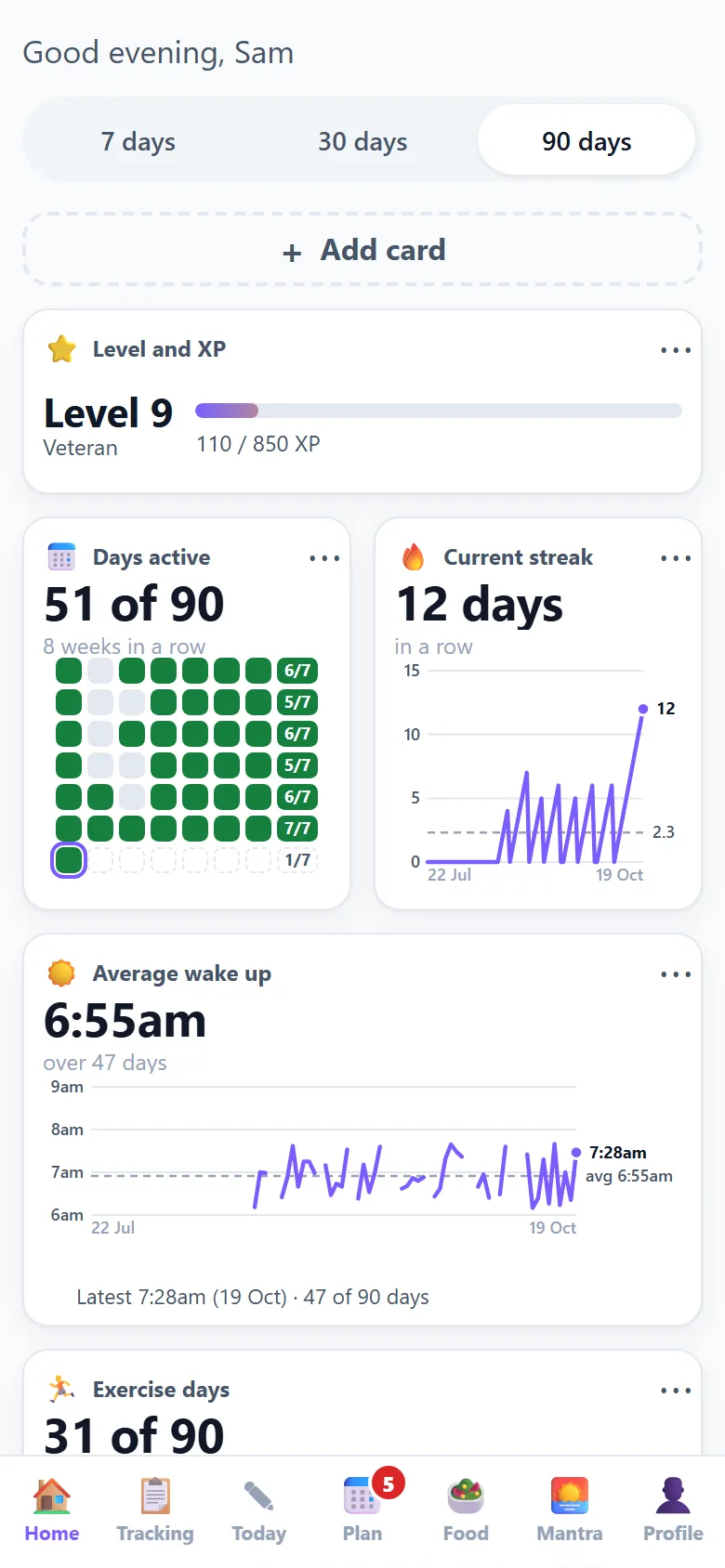
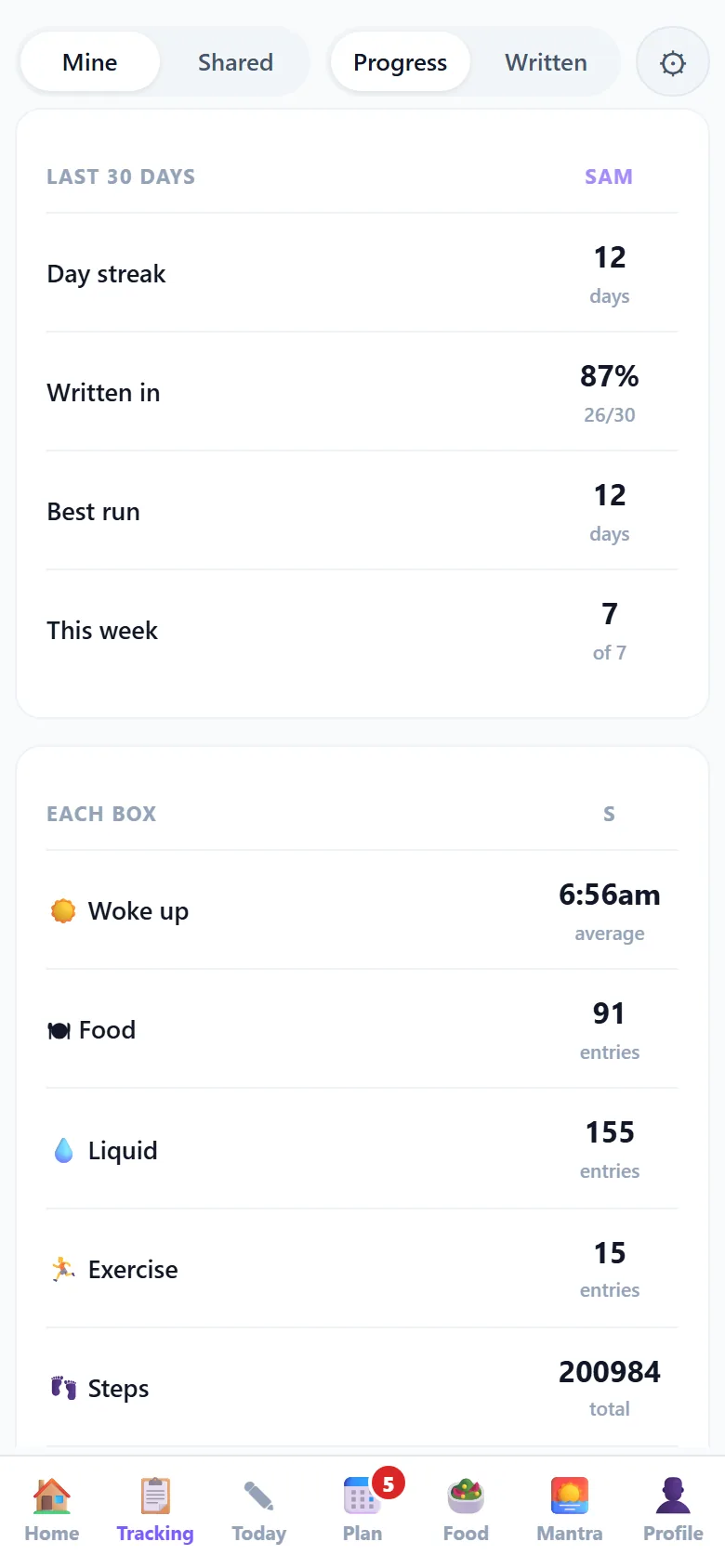
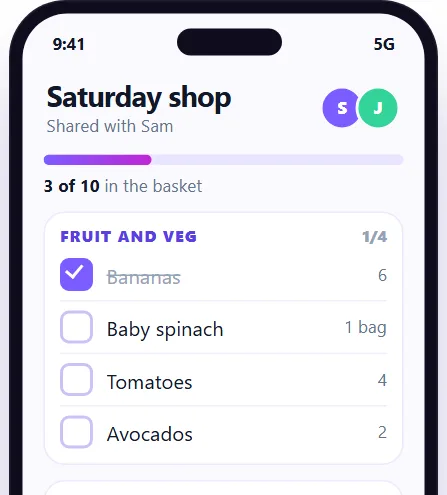
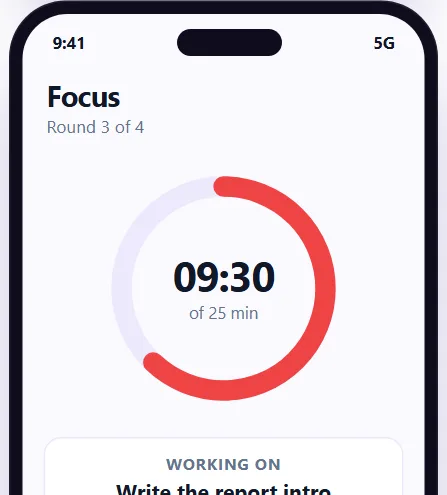
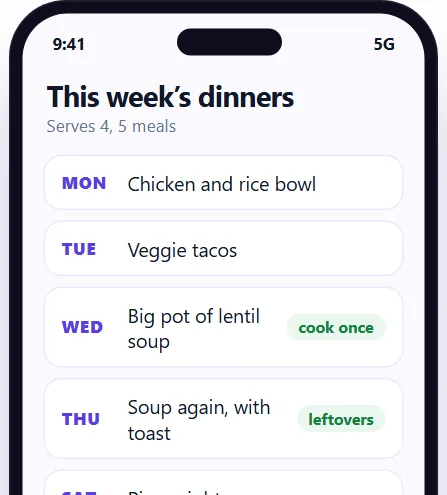
The Daily Journal is private by default, opens on a short daily entry, has reminders and a streak that allows rest days, keeps habits, food, mood and sleep on the same page, and is free to start, with the first three habits free.
Questions
What should I look for in a journal app?
Privacy, speed, reminders, search, export and a clear price, in that order.
Is there a free journal app?
Yes. The Daily Journal is free to start.
Should a journal app have habits and mood too?
Only if you will use them. If you want to see how habits, mood and sleep relate, having them on one page helps.
Is a journal app private?
It depends on the app. Check the privacy settings and the policy. The Daily Journal is private by default.
Keep going
Tools that go with this page
Each one shows an example screen, what the paid apps charge and what the Daily Journal does today.
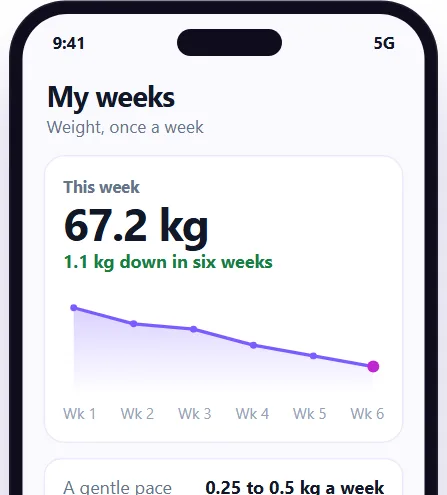 Weight loss journal
Start a private journal: what to look for in a journal app
Sign up free for the Daily Journal: a short entry a day, reminders, and habits, food, mood and sleep in one private place.